Compensation changes are common in behavioral health organizations. Merit increases, shift differentials, program transfers, supervisor promotions, retention adjustments, and grant-funded role changes all affect pay. The problem is that many providers still manage those updates through email threads, spreadsheets, and loosely tracked approval chains. That creates delays, inconsistent documentation, and unnecessary risk when payroll, HR, and operations are not working from the same source of truth.
Compensation change approval software gives behavioral health providers a cleaner way to manage pay updates from request to documentation. Instead of relying on manual follow-up, HR teams can standardize who submits a change, who reviews it, what supporting records are required, and when the update is ready for payroll action. For organizations operating across multiple programs or locations, that structure helps prevent errors that can affect employee trust and compliance readiness.
Key Takeaways
Why Compensation Changes Need More Control in Behavioral Health
In behavioral health, compensation decisions often involve more than a simple pay increase. A clinician may receive a rate adjustment after a credential update. A staff member may move into a supervisory role that changes wage structure and documentation requirements. A program expansion may trigger market adjustments across a team. If those updates are handled informally, HR can end up reconciling conflicting messages from supervisors, payroll, finance, and site leadership.
That lack of control creates several problems at once. Employees may receive the wrong rate or the wrong effective date. Payroll may act on incomplete approvals. HR may struggle to prove why a change was made or whether the right decision makers signed off. During audits, internal reviews, or compensation disputes, missing records turn a manageable workflow into a credibility issue.
What Compensation Change Approval Software Should Actually Do
Good compensation change approval software should make pay updates easier to review, easier to document, and harder to mishandle. It is not just an approval button. It is a repeatable process that keeps sensitive workforce changes organized.
Standardize compensation request intake
Managers should submit compensation requests through a consistent workflow instead of freeform emails. That request should capture the employee, current role, proposed change, reason for the update, effective date, and any supporting details that HR or leadership needs to review.
Route approvals based on policy
Not every pay change should follow the same path. Some may require only HR and payroll review, while others need executive or finance approval. The right system helps organizations route requests according to internal policy so high-impact changes do not move forward without the right oversight.
Keep documentation tied to the employee record
Supporting records should not live in separate inboxes after a change is approved. Compensation memos, revised offer terms, internal approvals, and role-change documents should remain linked to the employee profile so HR can verify the full history later.
Track status and effective dates clearly
One of the biggest sources of payroll confusion is not knowing whether a change is pending, approved, or already in effect. Compensation change approval software should make status visible so HR and payroll know what is ready to process and when it should start.
Where Manual Pay Change Workflows Usually Break Down
Behavioral health organizations are often growing, adjusting staffing models, and responding to workforce pressure in real time. That makes manual compensation workflows especially fragile. Common breakdowns include:
These issues can damage more than efficiency. They can create employee frustration, payroll corrections, and leadership questions about fairness and control. In a field where retention already matters, preventable administrative confusion around pay can quickly become a morale problem.
Why Better Compensation Documentation Matters
Behavioral health providers need reliable workforce records because compensation changes often intersect with role changes, supervision responsibilities, credential status, and funding rules. A pay adjustment may be tied to a new level of responsibility, a licensure milestone, a staffing shortage, or a program-specific budget decision. Without documentation, it becomes harder to explain why a change happened and whether it followed policy.
Clear records also support consistency across multi-site teams. When leadership can see approved changes, timing, and supporting rationale in one place, the organization is better positioned to reduce exceptions, respond to questions, and spot gaps before they turn into larger HR issues.
How BUAMS HR Helps Behavioral Health Teams Manage Pay Change Workflows
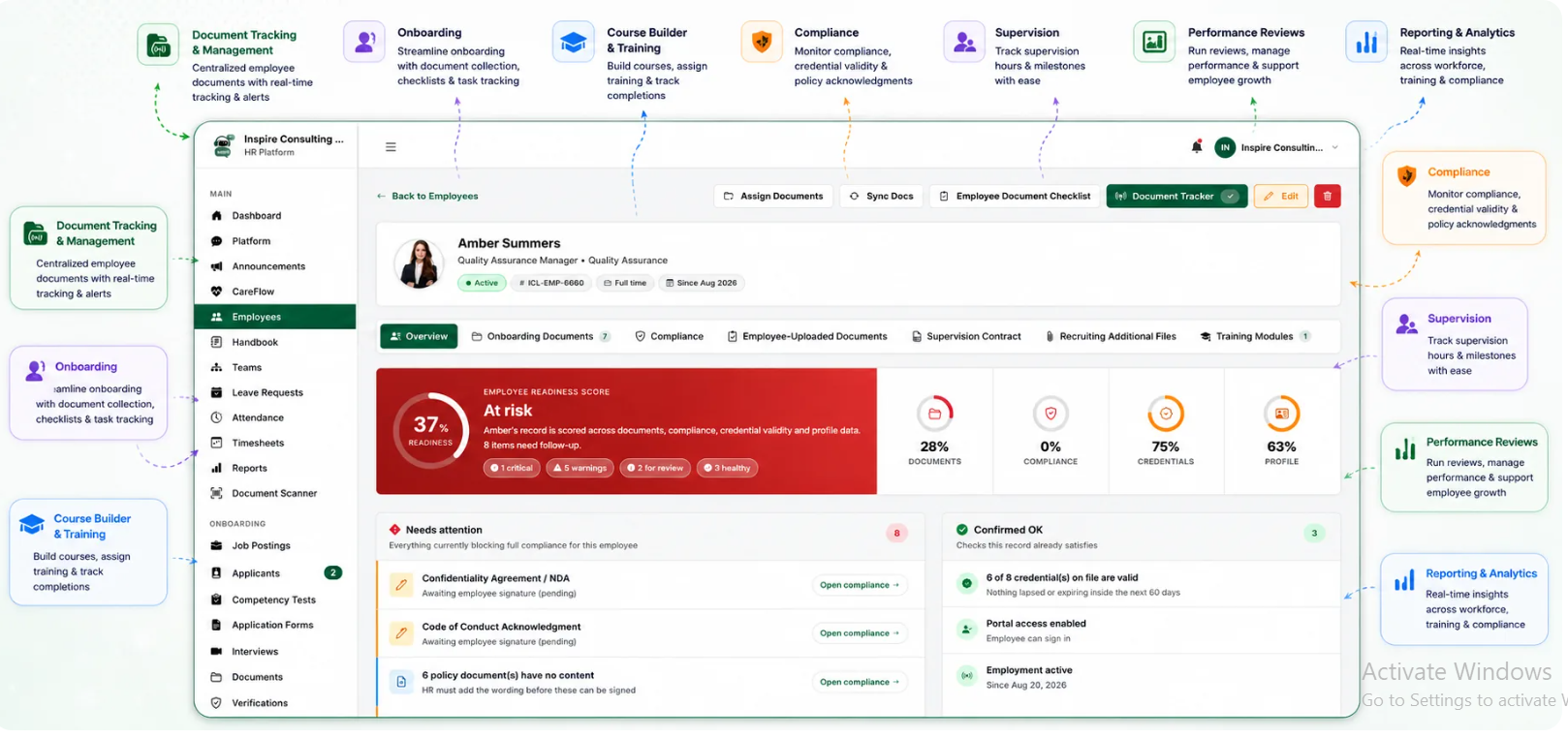
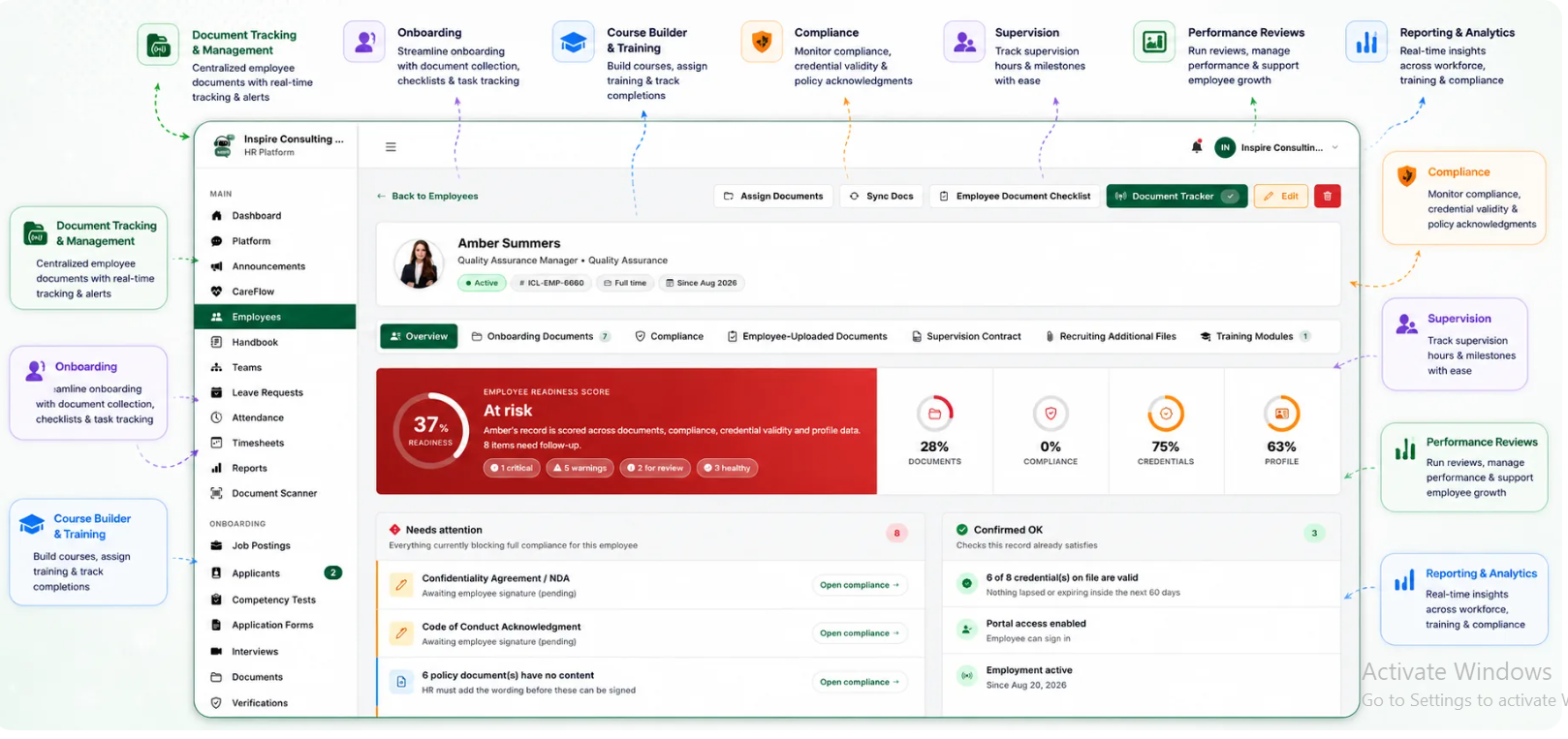
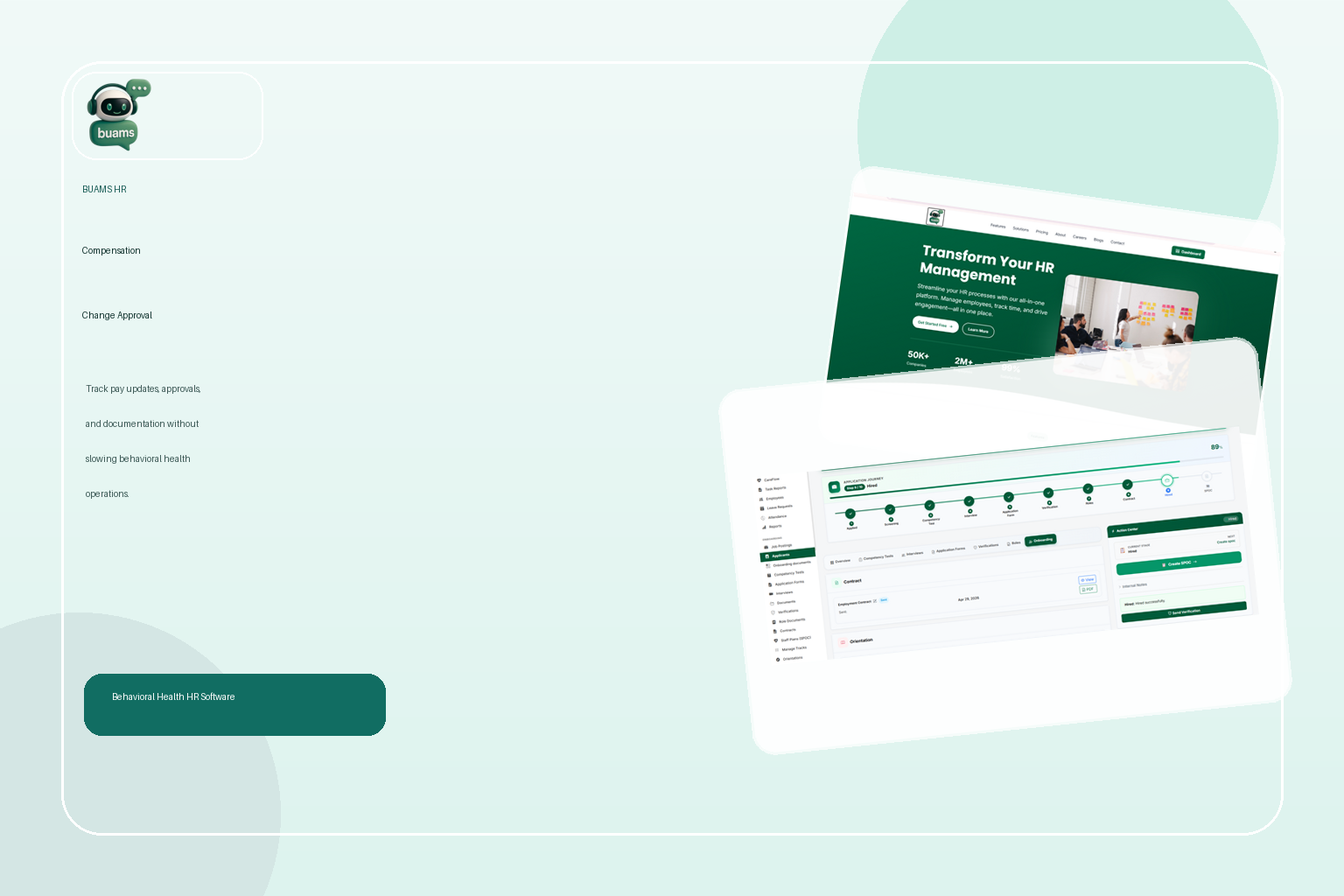
BUAMS HR helps behavioral health organizations create a more organized HR process around sensitive workforce changes. Instead of letting compensation updates live across disconnected messages and folders, teams can keep employee records, supporting documentation, and approval-related information easier to review and maintain.
For providers managing multiple programs, varied role types, and frequent employee movement, BUAMS HR supports a stronger workflow by helping teams:
That kind of structure is valuable because compensation changes should feel controlled, not improvised. When HR has a dependable workflow, teams can move faster without sacrificing documentation quality.
Final Thoughts
Compensation change approval software helps behavioral health providers turn a sensitive, error-prone process into a more reliable one. When requests are standardized, approvals are visible, and records stay connected to the employee file, organizations can reduce payroll confusion, improve accountability, and handle pay updates with more confidence.
For behavioral health teams that want a better way to manage compensation requests, support policy-based approvals, and keep workforce documentation organized, BUAMS HR offers a practical path forward.