Behavioral health organizations cannot afford a loose start to onboarding. New hires often need policy acknowledgments, role-specific training, background documentation, supervisor introductions, and system access before they can safely support care. When those tasks live across spreadsheets, email threads, and paper packets, first-week readiness becomes inconsistent. Orientation checklist software gives HR teams a structured way to launch employees faster while keeping documentation complete and review ready.
Key Takeaways
What is orientation checklist software?
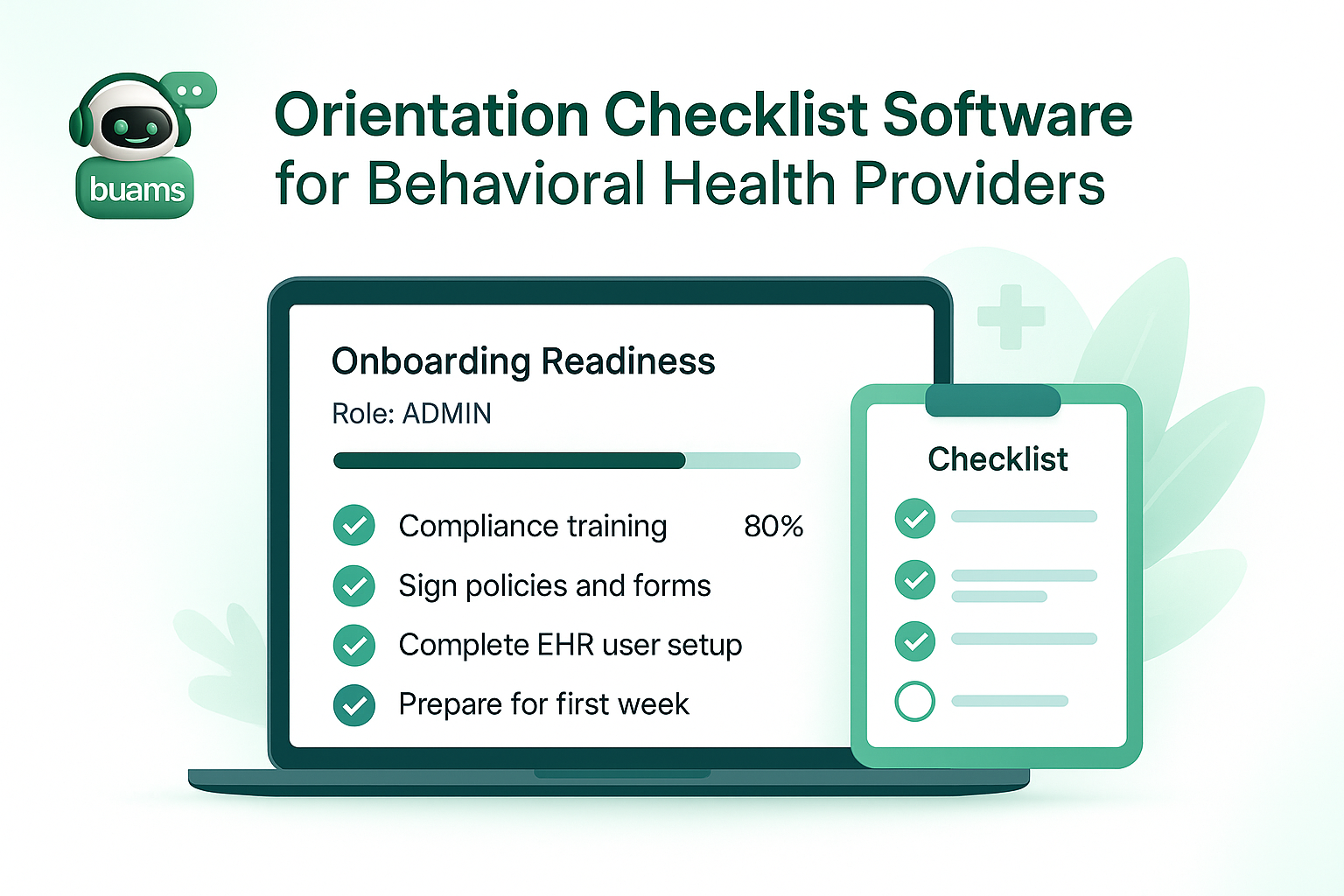
Orientation checklist software is a system that organizes and tracks the tasks a new employee must complete during onboarding and early employment. For behavioral health providers, that can include signed policies, license verification, job description review, training assignments, equipment handoff, employee file collection, and supervisor checkpoints. Instead of relying on memory or disconnected lists, HR can use one workflow to guide progress from offer acceptance through first-week readiness.
This matters because orientation is not just an administrative exercise. In behavioral health settings, readiness affects compliance, supervision, service continuity, and staff confidence. A standardized checklist helps ensure that required steps happen in the right order and that proof of completion is easy to retrieve later.
Why behavioral health providers need a more structured orientation process
Many organizations have different expectations for therapists, case managers, direct support staff, intake coordinators, and administrative teams. Each role may require different trainings, forms, or access approvals. Without a structured system, HR ends up chasing missing items manually while supervisors assume tasks were already completed.
That creates familiar problems: start dates slip, staff begin work without all documentation in place, and audit preparation turns into a scramble for proof. Orientation checklist software reduces that uncertainty by giving HR and managers a shared view of outstanding tasks, completed items, and approaching deadlines.
What to look for in orientation checklist software
Role-based checklist assignment
The best systems let HR assign orientation tasks based on role, program, location, or employment type. A clinic-based therapist should not receive the exact same checklist as a residential direct care employee or a finance team member. Role-based assignment helps organizations stay consistent without forcing every employee through the same generic process.
Document collection and file storage
Orientation tasks often depend on signed forms, identification records, training proof, and acknowledgments. Software should make it easy to collect those items and attach them directly to the employee record so teams do not have to hunt through inboxes or network folders later.
Clear ownership and due dates
Some orientation steps belong to HR, some to supervisors, and some to the employee. Good orientation checklist software shows who owns each task, when it is due, and what still needs follow-up. That visibility helps prevent the common problem where everyone assumes someone else handled the requirement.
Progress tracking and reminders
Behavioral health hiring often moves quickly, especially when programs need to fill open positions fast. Automated reminders and status tracking help teams keep momentum without relying on manual follow-up for every item. That means fewer bottlenecks before day one and fewer unresolved tasks after start.
Best practices for a stronger first-week readiness workflow
Start by separating orientation tasks into logical groups such as pre-start documents, day-one introductions, compliance training, role preparation, and first-week supervisor review. That structure makes the process easier to understand and easier to improve over time.
Next, define which tasks are required before a staff member can begin work, which can be completed during the first week, and which should be revisited during the first month. Not every task has the same operational or compliance risk. A better checklist reflects those differences instead of treating everything as equal.
It also helps to review orientation completion data regularly. If the same task is delayed across multiple hires, that may point to a broken handoff, unclear instructions, or a missing automation step. Orientation checklist software is most valuable when it supports improvement, not just documentation.
How BUAMS HR helps behavioral health teams manage orientation
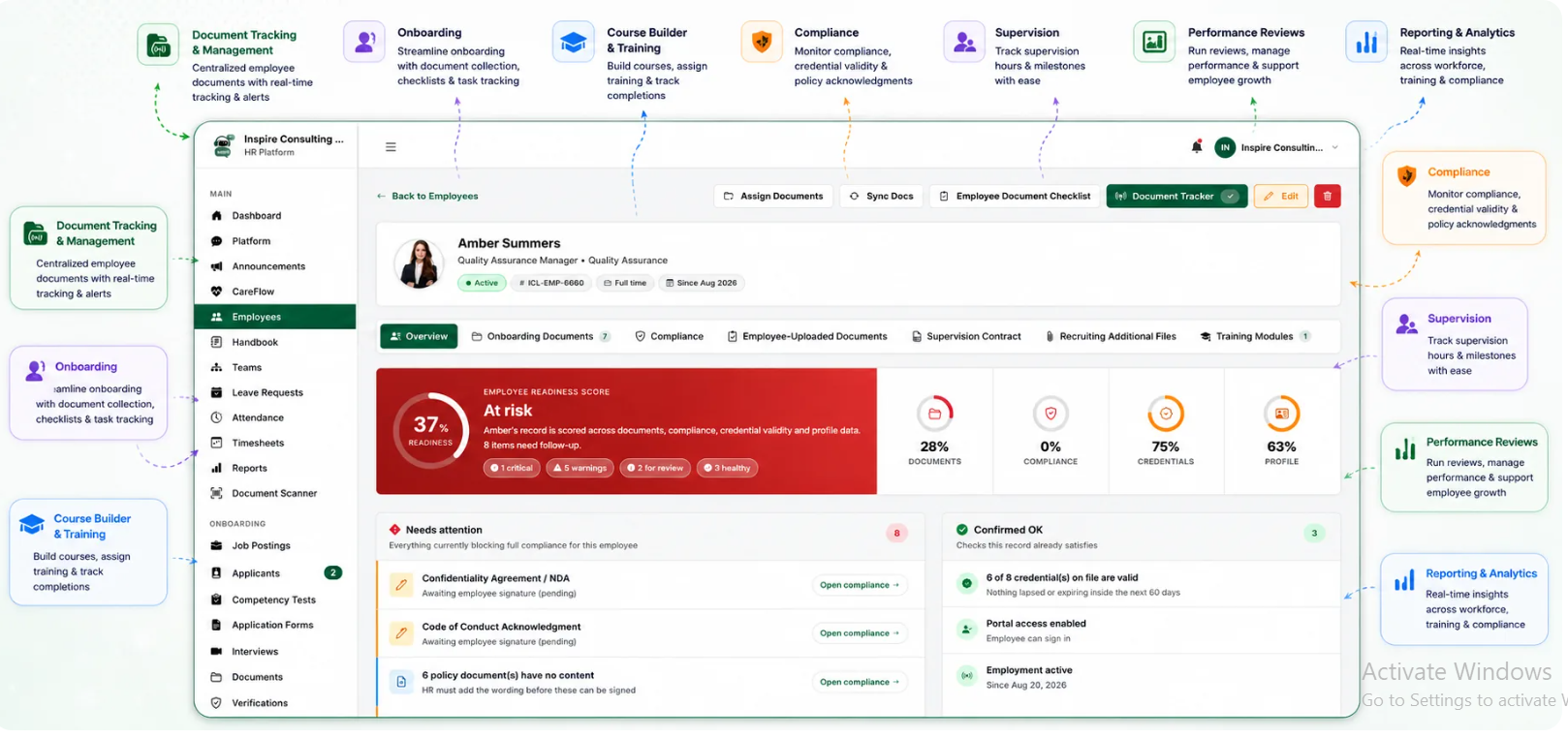
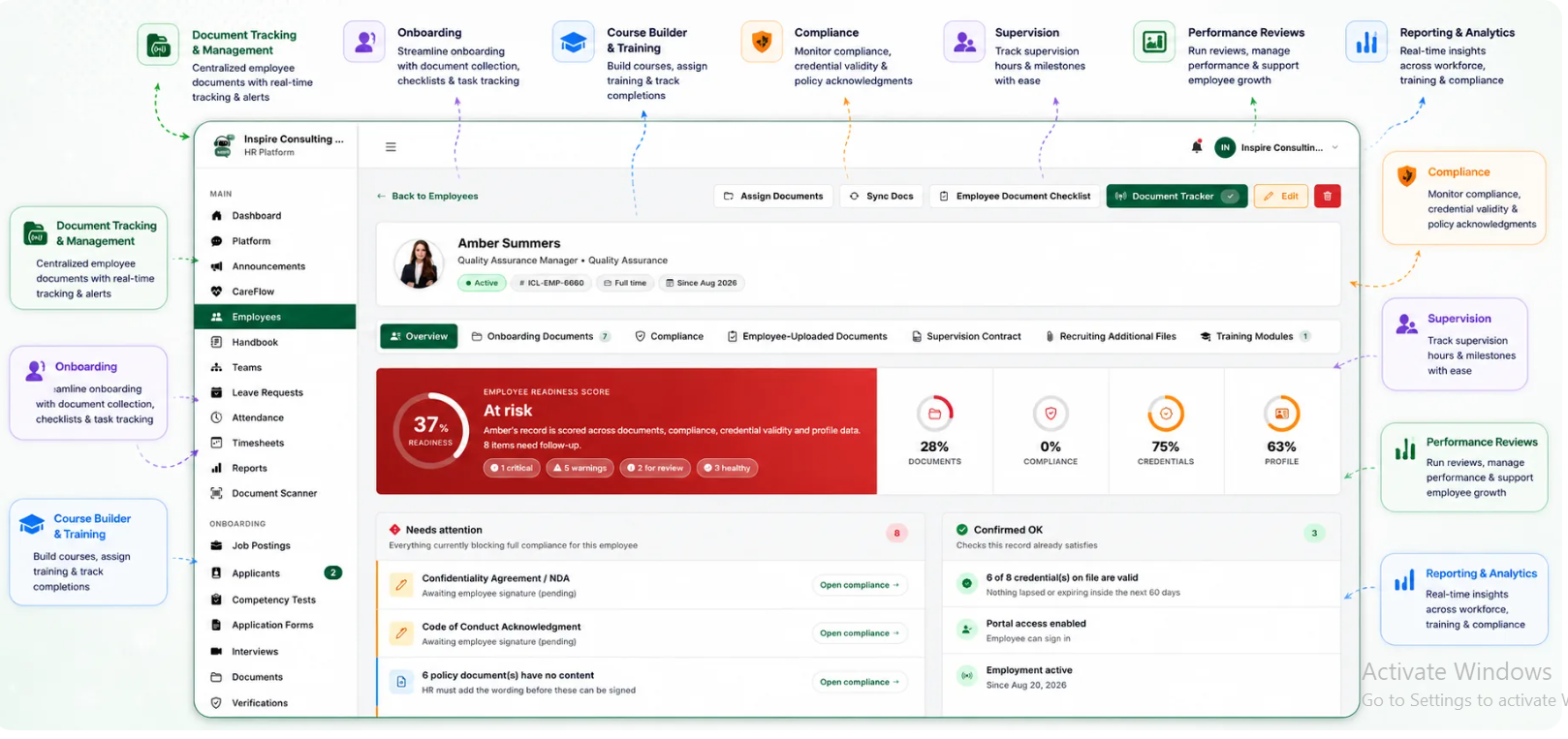
BUAMS HR gives behavioral health organizations a practical way to manage orientation tasks alongside employee records, onboarding requirements, and compliance workflows. Teams can organize role-based checklists, collect required files, monitor task completion, and keep important HR documentation in one system.
That is especially useful for providers managing multiple programs or locations. Instead of building separate manual trackers for each team, HR can create a repeatable orientation process that scales with growth while still supporting role-specific needs. The result is a more consistent first-week experience for staff and better visibility for HR leaders.
Final thoughts
Orientation checklist software helps behavioral health providers reduce first-week confusion, improve accountability, and create a more reliable path from hiring to readiness. When organizations standardize orientation tasks and track them in one place, they can move faster without losing control of compliance or documentation. For teams that want a cleaner, more scalable onboarding process, BUAMS HR offers a strong foundation for turning orientation into a consistent operational workflow.