Many behavioral health organizations depend on employees who use their own vehicles for home visits, community outreach, intake support, and multi-site coverage. That creates a specific HR and compliance challenge that often gets managed informally: confirming who is approved to use a personal vehicle for work, what documentation is on file, and whether that approval is still current. Personal vehicle use approval software helps providers standardize that process before gaps lead to delayed visits, policy violations, or unnecessary liability.
In practice, this is not just a transportation issue. It affects workforce readiness, scheduling confidence, employee file accuracy, and risk oversight. When insurance proof is outdated, mileage policies are unsigned, or approval steps vary by supervisor, organizations can end up assigning field work without a reliable record that the employee met the necessary requirements. A centralized workflow helps behavioral health teams keep that process consistent and visible.
Key Takeaways
What Is Personal Vehicle Use Approval Software?
Personal vehicle use approval software is a workflow for documenting and monitoring whether an employee may use their own vehicle for work-related duties. In behavioral health settings, that often applies to mobile clinicians, case managers, community support workers, care coordinators, and supervisors who travel between sites.
The software typically keeps required information connected to the employee file, such as proof of insurance, policy acknowledgment, job-based approval requirements, annual review dates, and notes about restrictions or follow-up. Instead of checking multiple systems or relying on supervisors to remember details, HR teams can review one structured record that shows whether the employee is currently cleared for work-related travel.
The value is operational as much as administrative. Field-based programs run more smoothly when managers can quickly tell who is eligible for community travel and which records still need attention before assignments are made.
Why This Matters for Behavioral Health Providers
Behavioral health providers often support services outside a single office. Staff may visit clients at home, travel between clinics, attend community meetings, or respond to urgent needs across counties and programs. If personal vehicle approvals are incomplete or outdated, organizations can face service disruption at exactly the moment they need flexibility.
For example, an employee may have completed onboarding months ago but never submitted updated insurance proof after a policy renewal. Another employee may be willing to travel yet never signed the latest mileage or vehicle-use policy. A supervisor may assume someone is cleared because they drove last quarter, even though the current file no longer supports that decision. These gaps are easy to miss when approval tracking lives in email folders or individual manager notes.
Personal vehicle use approval software makes those issues more visible. HR can see which employees are fully approved, which files are pending, and which documents are nearing expiration. That helps reduce last-minute schedule changes while giving leadership a more defensible process for managing community travel risk.
What to Include in the Workflow
A strong workflow starts with clear rules about which roles may use personal vehicles and what evidence is required before approval. Not every job carries the same travel expectations, so the process should reflect role type, site needs, and program risk.
Once those rules are defined, each requirement should be mapped to the employee file with dates, status labels, and follow-up ownership. That way, HR does not need to reconstruct the approval picture each time a supervisor asks whether someone can take a field assignment.
Organizations should also document exceptions. An employee may have a temporary restriction, may need updated insurance details, or may move into a role with different travel expectations. Those changes should trigger review instead of leaving outdated approvals in place.
Best Practices for Keeping Community Travel Readiness Clean
The most effective teams treat personal vehicle approval as an active readiness workflow rather than a document folder. Collecting insurance proof is important, but it is only one part of the decision. The organization also needs a documented standard that confirms all required steps were completed before field travel is assigned.
It helps to connect approvals to routine workforce events. New hires may need personal vehicle review during onboarding. Existing staff may need annual refreshes tied to insurance renewals or policy updates. Employees changing roles or service areas may need a fresh approval review if their travel expectations increase.
Another good practice is to make status easy for supervisors to understand without exposing unnecessary detail. Leaders need to know whether an employee is approved for community travel, not dig through attachments to interpret the file on their own. Clear statuses reduce assumptions and make scheduling decisions safer.
Finally, organizations should keep policy evidence and travel approval evidence aligned. If a provider updates mileage rules, reimbursement guidance, or personal vehicle standards, employees should have current acknowledgments on file. That closes a common gap between policy management and real-world assignment readiness.
How BUAMS HR Helps
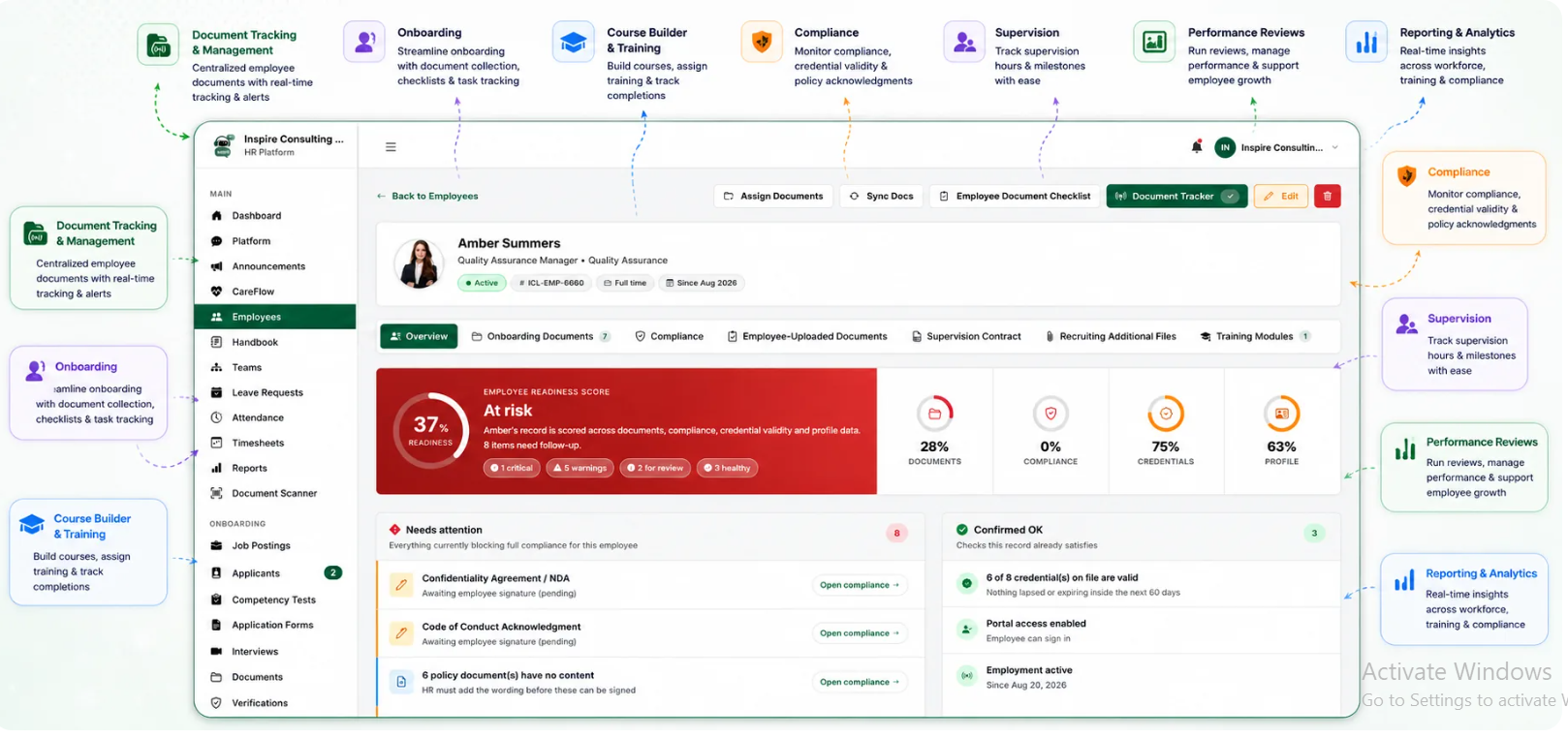
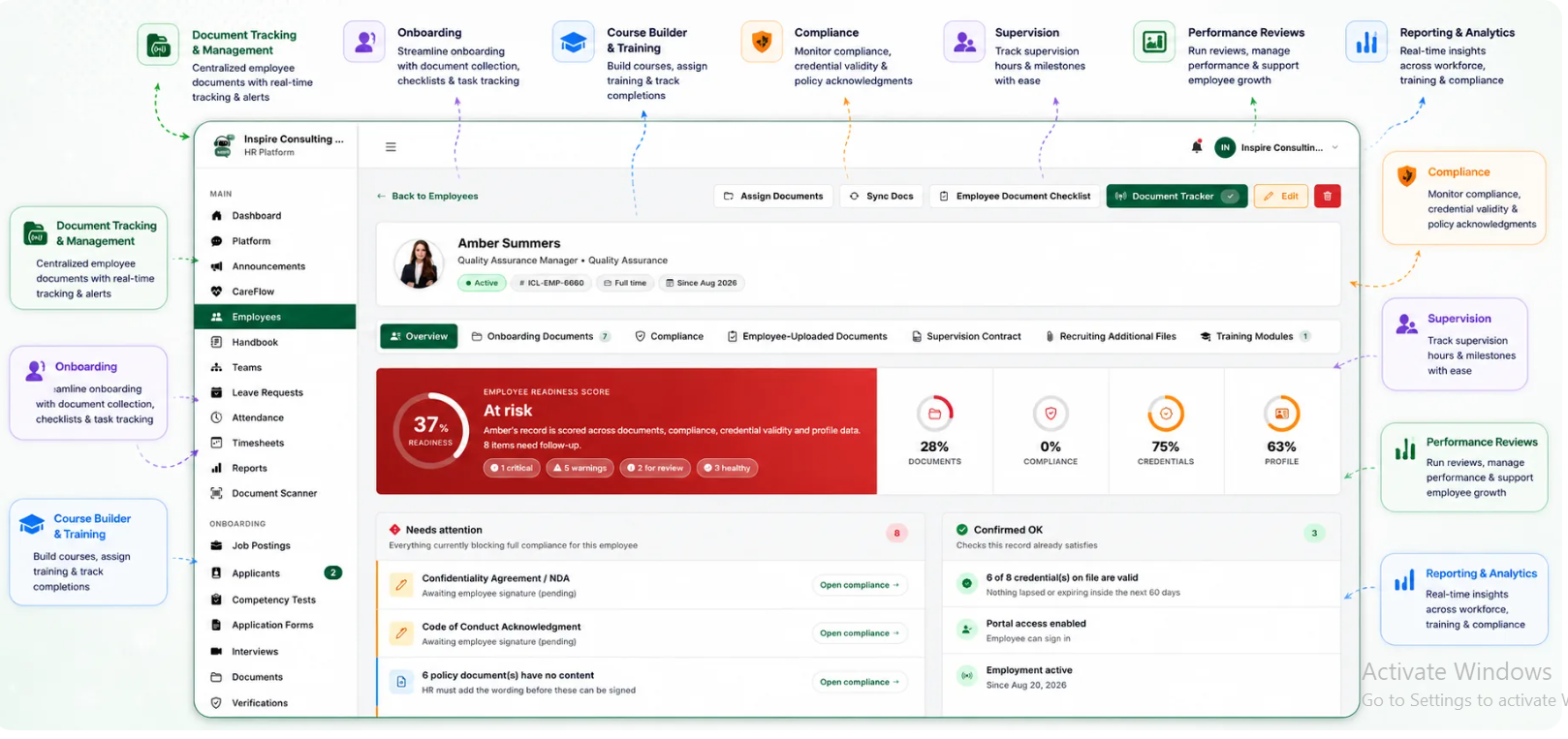
BUAMS HR helps behavioral health providers centralize employee records, standardize approval workflows, and keep important compliance documents attached to the workforce file. That makes it easier to build a repeatable personal vehicle use approval software process without depending on scattered folders or manual reminders.
Teams can organize required documents by role, monitor missing or expiring items, and maintain a clearer view of employee readiness for community-based work. When personal vehicle approvals are handled inside a consistent HR workflow, supervisors get better visibility and HR spends less time tracking down status through disconnected systems.
Because BUAMS HR also supports broader employee file management and compliance oversight, providers can connect vehicle-use approvals to the rest of the workforce lifecycle. That helps organizations manage field readiness with the same discipline they use for onboarding, training, and credential-related documentation.
Final Thoughts
Personal vehicle use approval software gives behavioral health providers a more reliable way to manage a common but often overlooked workforce risk. When insurance proof, policy sign-offs, and approval status are easy to review, community travel decisions become faster and safer.
For organizations that depend on staff mobility, a centralized workflow reduces avoidable surprises and supports more confident scheduling. The result is stronger HR oversight, cleaner employee files, and better readiness for the field-based work that behavioral health teams deliver every day.