Behavioral health providers manage a steady stream of employee changes that have real operational consequences. Promotions, supervisor updates, pay adjustments, transfers, status changes, leave transitions, and site reassignments all affect documentation, approvals, access, and workforce readiness. When those changes are handled through scattered emails, spreadsheets, and hallway follow-up, HR teams lose time and leadership loses visibility.
Electronic personnel action form software gives organizations a more controlled way to manage those updates. Instead of treating each change like a one-off request, HR can route actions through a repeatable workflow with clear ownership, supporting documents, approval steps, and a cleaner record of what changed and when. For behavioral health providers working across multiple programs or locations, that consistency helps reduce avoidable delays and compliance gaps.
Key Takeaways
What Is Electronic Personnel Action Form Software?
Electronic personnel action form software is a system used to submit, review, approve, and document workforce changes in a structured digital workflow. In many organizations, personnel action forms are the mechanism used to request and confirm events like new positions, title changes, location moves, compensation updates, supervisor changes, leaves, returns, and employee separations. A digital version replaces manual handoffs with a standardized process that is easier to monitor.
For behavioral health providers, this matters because a personnel action is rarely just an HR note. A single change can affect scheduling, supervision coverage, credential oversight, payroll coordination, access permissions, training requirements, and employee file completeness. Electronic personnel action form software helps HR teams manage those moving parts with better consistency and less guesswork.
Why It Matters in Behavioral Health Operations
Behavioral health organizations often operate across outpatient clinics, community programs, residential services, and administrative teams. Employees may change roles quickly, float between programs, report to different supervisors, or shift between full-time, part-time, contract, and per diem arrangements. If HR changes are not documented clearly and communicated in time, the operational impact shows up fast.
A promotion that is not fully approved can create compensation confusion. A transfer that is not reflected in the employee file can leave supervision assignments out of date. A leave or return-to-work update that only lives in an email thread can create scheduling and compliance risk. Electronic personnel action form software gives providers a better way to coordinate those changes so the right people see them, the right documents stay attached, and the final outcome is recorded cleanly.
This also improves accountability. Leadership can see where requests are sitting, HR can follow a repeatable process, and supervisors are less likely to assume that someone else already handled an important change. In a field where documentation discipline matters, that visibility is valuable.
Common Problems With Manual Personnel Action Workflows
These problems are rarely caused by a lack of effort. More often, they come from relying on tools that were never designed to manage structured HR actions. Over time, small documentation gaps create rework, delayed decisions, and unnecessary risk.
What to Look for in Electronic Personnel Action Form Software
Standardized Request Types
The software should make it easy to define common workforce actions such as title changes, transfers, compensation updates, supervisor changes, leaves, returns, and separations. Standard request types reduce back-and-forth because users know what information is required for each action.
Approval Routing With Clear Ownership
Behavioral health providers often need different approvers depending on the request. One action may require HR, program leadership, finance, or executive review. A strong system should route the request to the right people automatically and show who currently owns the next step.
Effective Date and Status Tracking
Electronic personnel action form software should capture when a change takes effect, not just when it was submitted. That helps teams align downstream actions such as file updates, roster changes, and supervisor communications around the correct date.
Supporting Document Management
Some personnel actions require offer letters, compensation approvals, updated job descriptions, signed acknowledgments, or return-to-work documentation. Those files should stay connected to the request so HR is not hunting through inboxes later to prove what supported the action.
Employee Record Integration
The best workflow does not end when the form is approved. HR should be able to connect the approved action to the employee record so the person's file reflects the latest role, supervisor, location, status, or other relevant information.
Audit Trail Visibility
Organizations should be able to show who submitted the request, what changed, who approved it, and when the final action was completed. That history is useful not only for compliance reviews but also for resolving internal questions when details are disputed later.
Best Practices for Rolling Out a Better Process
Start by identifying the personnel actions that create the most confusion today. For many behavioral health providers, those are transfers, pay changes, supervisor updates, and leaves. Standardizing the highest-friction actions first creates quick operational value and helps teams adopt the workflow more consistently.
Next, define the minimum required information for each action. A transfer request may need the old and new site, reporting change, effective date, and any related compliance or access notes. A compensation update may need approval confirmation, reason for change, and the exact date payroll should reflect it. Clear input requirements make the workflow faster because they reduce incomplete submissions.
It is also important to decide which teams need visibility into different stages. Supervisors may need status awareness, while HR needs document access and leadership needs approval oversight. Good workflow design balances operational transparency with appropriate control over sensitive employee information.
Finally, review completed personnel actions for patterns. If the same request types are frequently delayed, the organization may need better routing, earlier submission expectations, or tighter document requirements. Software works best when it supports continuous process improvement, not just digital form replacement.
How BUAMS HR Helps
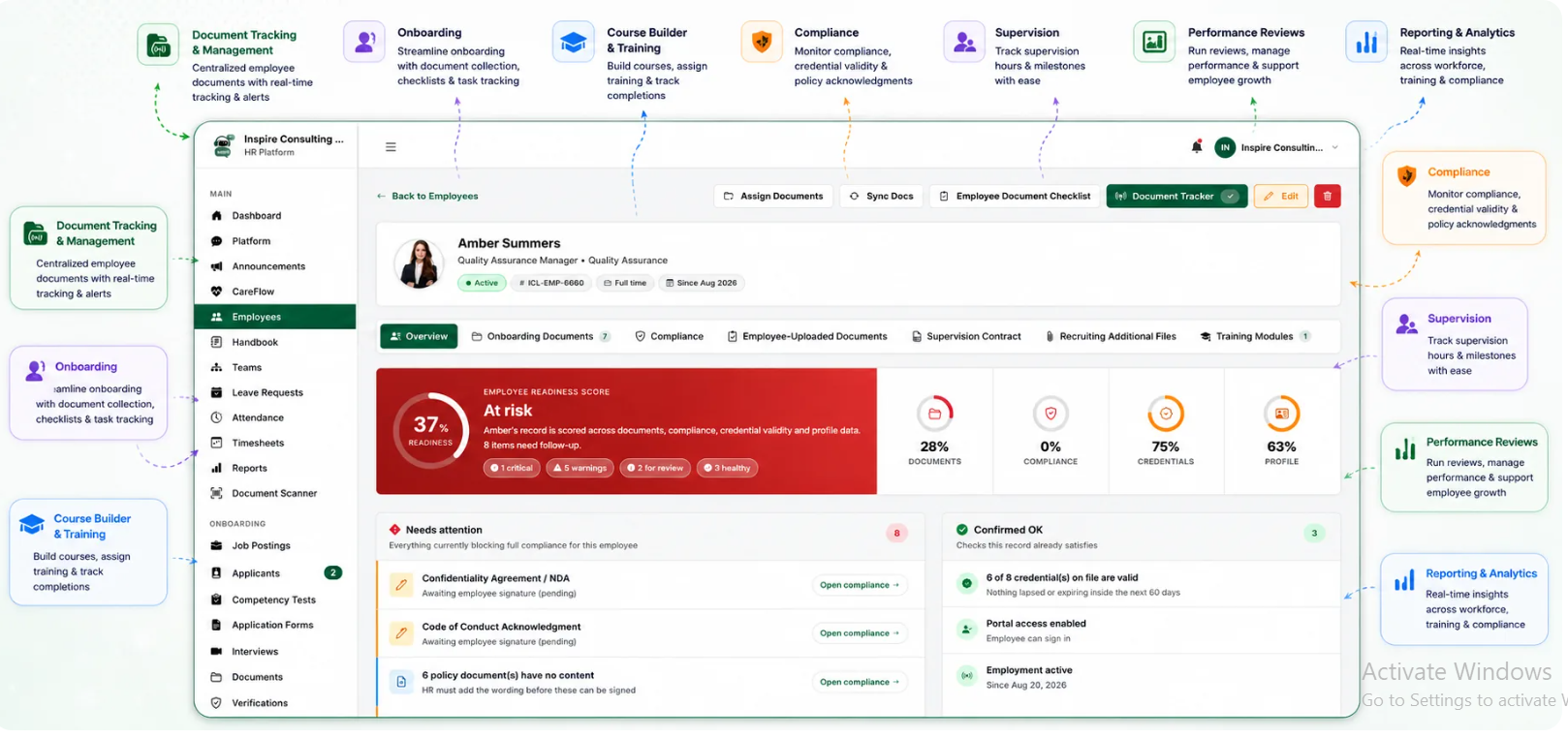
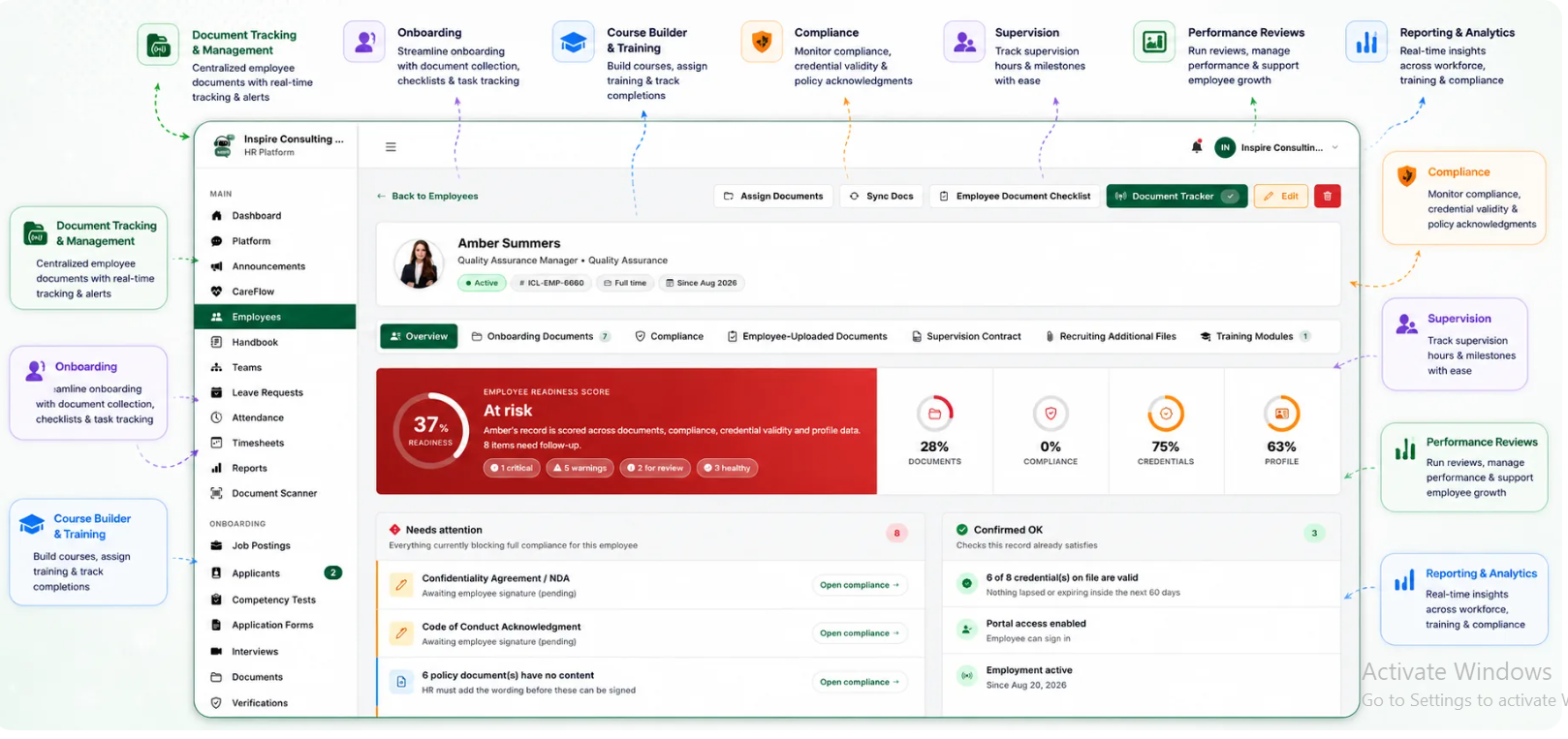
BUAMS HR helps behavioral health providers manage workforce changes with more structure by keeping employee records, HR documents, and process visibility in one system. That makes it easier to support personnel action workflows without relying on disconnected spreadsheets, inboxes, and follow-up reminders.
When organizations need to document approvals, connect supporting files, and keep employee records current across programs or sites, centralized HR workflows matter. BUAMS HR helps teams reduce administrative friction while improving confidence that important workforce changes are documented clearly and reflected where they need to be.
For providers trying to standardize transfers, status changes, supervisor updates, and other personnel actions, BUAMS HR offers a practical foundation for more consistent HR operations.
Final Thoughts
Electronic personnel action form software helps behavioral health providers move beyond informal change management and toward a cleaner, more reliable HR process. When employee changes are submitted through a standardized workflow, approved with visible ownership, and tied back to the employee record, organizations can reduce delays and strengthen documentation quality at the same time.
For behavioral health providers that want fewer email chains, clearer approvals, and better control over workforce changes, BUAMS HR supports a more organized way to manage personnel actions from request through completion.