Behavioral health organizations manage some of the most sensitive workforce records in healthcare. HR teams need fast access to offer letters, supervision notes, training proof, licensure documents, accommodation records, and policy acknowledgments, but not every manager or coordinator should be able to see every file. When employee file access is handled through email attachments, shared drives, or informal requests, the result is usually a mix of privacy risk, version confusion, and time-consuming follow-up. Employee file access control software gives providers a safer way to decide who can view, upload, approve, or export HR records while keeping daily operations moving.
Key Takeaways
What Is Employee File Access Control Software?
Employee file access control software is a system that manages permissions around workforce records. Instead of storing HR files in general-purpose folders with broad access, the software allows organizations to define which users can open specific documents, which teams can upload new items, and which leaders can review or approve file changes. In behavioral health, that matters because employee files often include information tied to licensure, background checks, health requirements, compensation, disciplinary action, and supervision.
The goal is not to make records harder to reach. The goal is to make the right records accessible to the right people at the right time. A clinic director may need visibility into active licenses and supervision documents, while payroll staff may need compensation forms, and compliance leaders may need audit evidence across sites. Access control software creates structure around those needs so HR does not become a manual gatekeeper for every request.
Why It Matters for Behavioral Health Providers
Behavioral health organizations often operate across multiple programs, job types, and service locations. Workforce records may be touched by recruiters, HR coordinators, supervisors, operations leaders, credentialing staff, and compliance teams. Without clear permission rules, providers typically fall into one of two risky patterns. Either access is too broad, which increases privacy and documentation risk, or access is too narrow and everything gets routed through HR inboxes, which slows hiring, renewals, and audits.
Access control becomes especially important when organizations are growing, adding telehealth staff, managing contract clinicians, or preparing for accreditor review. A missing permission can delay a start date. A careless permission can expose records that should remain restricted. A strong system helps providers balance speed, confidentiality, and accountability at the same time.
What to Look For in Employee File Access Control Software
Role-based permissions
The best systems let organizations assign access by role rather than by one-off exceptions. That makes it easier to give HR, supervisors, executives, and compliance staff the visibility they need without rebuilding permissions every time a person changes positions.
Document-level visibility
Not all employee records should be treated the same way. Organizations should be able to control access by file category or document type so items like investigation notes, medical-related forms, or compensation records are more tightly restricted than routine onboarding materials.
Audit history
Providers need a way to see who uploaded a document, when a file was changed, and who reviewed it. This helps support internal controls and gives organizations stronger evidence during compliance reviews.
Multi-site support
Behavioral health providers with multiple clinics or programs need permissions that reflect local leadership and centralized oversight. A site leader may need access to their own team records, while regional HR or compliance leaders need broader visibility.
Workflow alignment
Permissions should fit real HR work. That includes onboarding, policy sign-offs, credential renewals, file corrections, and status changes. Software should reduce side conversations, not force staff into extra offline workarounds.
Common Problems With Shared Drives and Manual File Requests
Many providers still rely on shared folders, email chains, and individual administrators to manage file access. That approach creates several operational problems:
These problems are not just administrative annoyances. They directly affect privacy, readiness, and team confidence. The more staff a provider adds, the harder manual access control becomes.
Best Practices for Safer HR Record Access
How BUAMS HR Helps
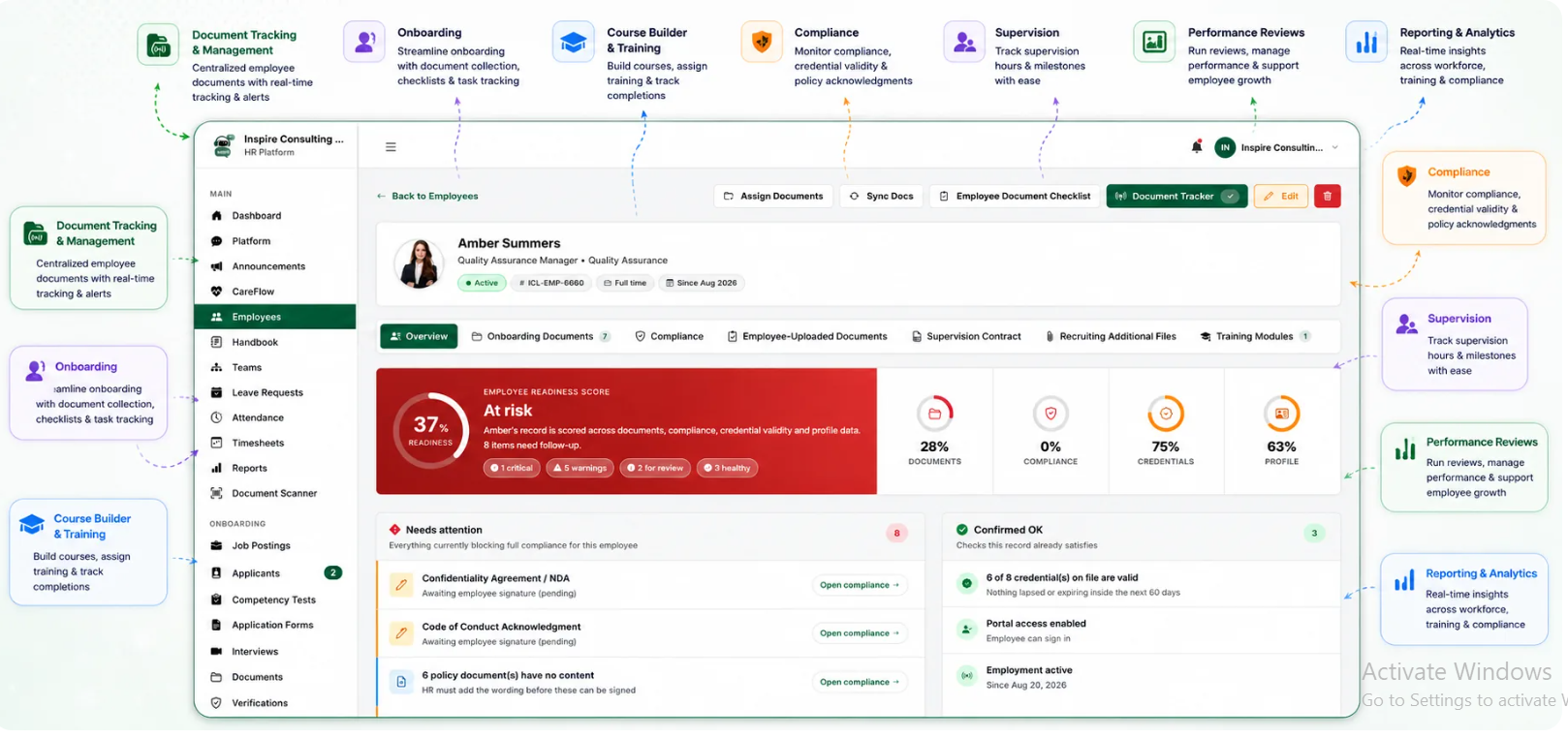
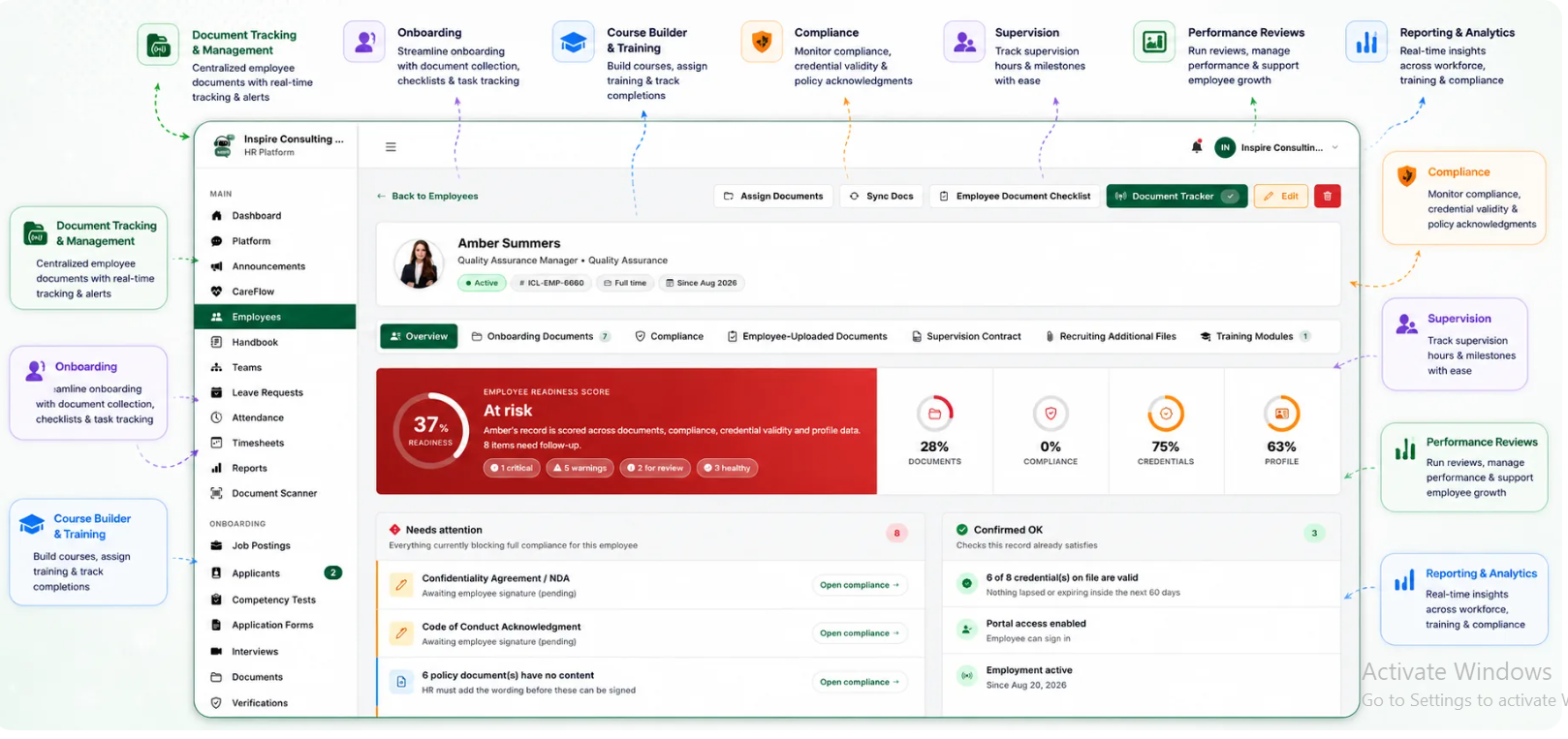
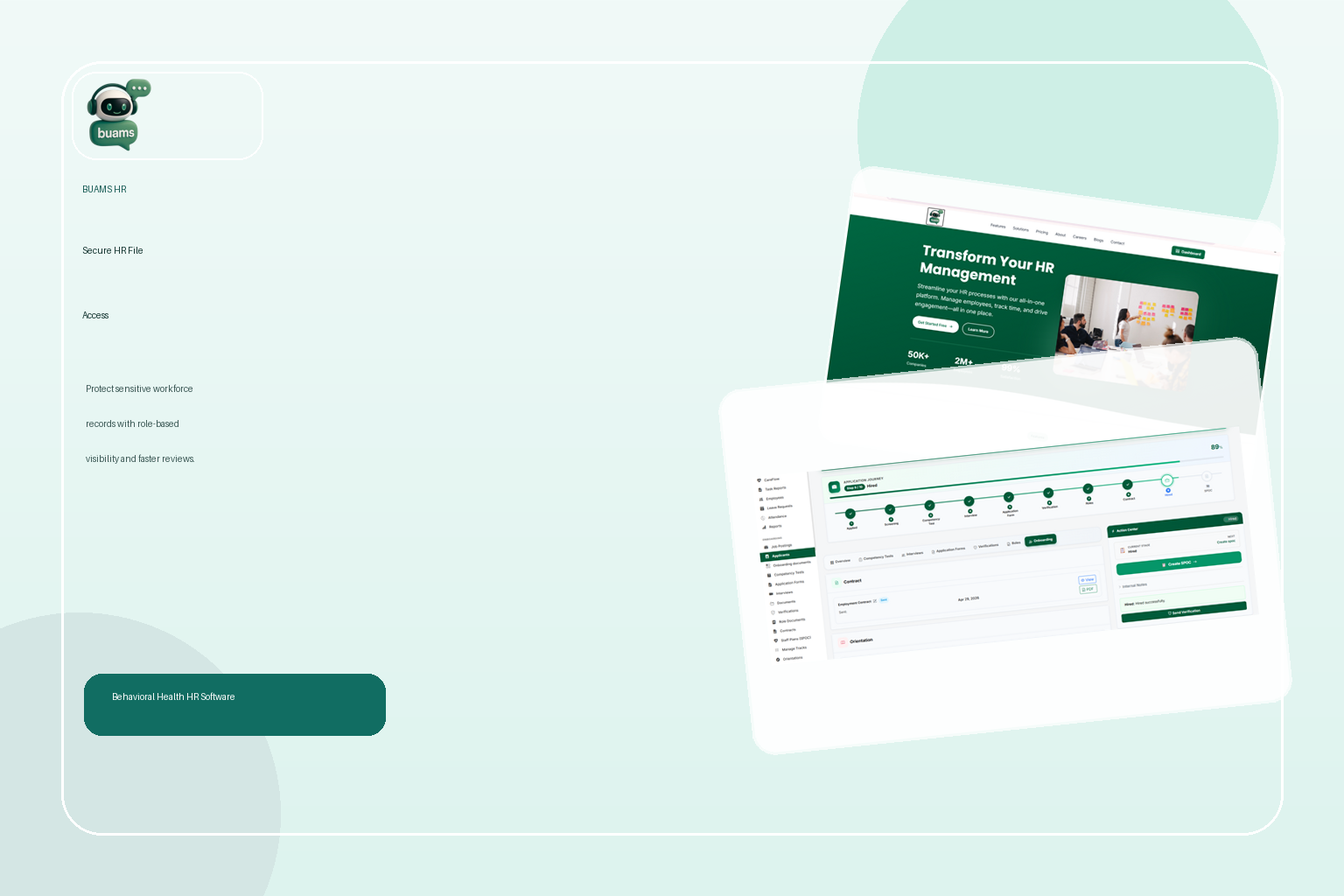
BUAMS HR gives behavioral health providers a practical way to organize employee documentation and control access without creating more administrative overhead. Teams can centralize HR files, keep credential and compliance records tied to the employee profile, and support review workflows with better structure. Instead of chasing attachments or sorting through disconnected folders, HR leaders can keep records in one system built around workforce operations.
For growing providers, that matters because access control is not only a privacy issue. It is also a speed issue. When the right people can securely find the documents they need, onboarding moves faster, file reviews become more consistent, and compliance preparation is less disruptive. BUAMS HR helps organizations support these workflows with cleaner visibility, stronger documentation habits, and a more reliable audit trail.
Final Thoughts
Employee file access control software helps behavioral health providers solve a common but expensive problem: sensitive workforce records are essential to daily operations, but unmanaged access creates risk and manual work. The right system gives organizations a way to protect confidentiality while still supporting supervisors, compliance leads, and HR teams with timely information. For providers that want a safer and more scalable approach to employee documentation, BUAMS HR offers a better foundation than shared drives and ad hoc file requests.